In-App Browsers Are Costing You Sales – Here’s the Fix
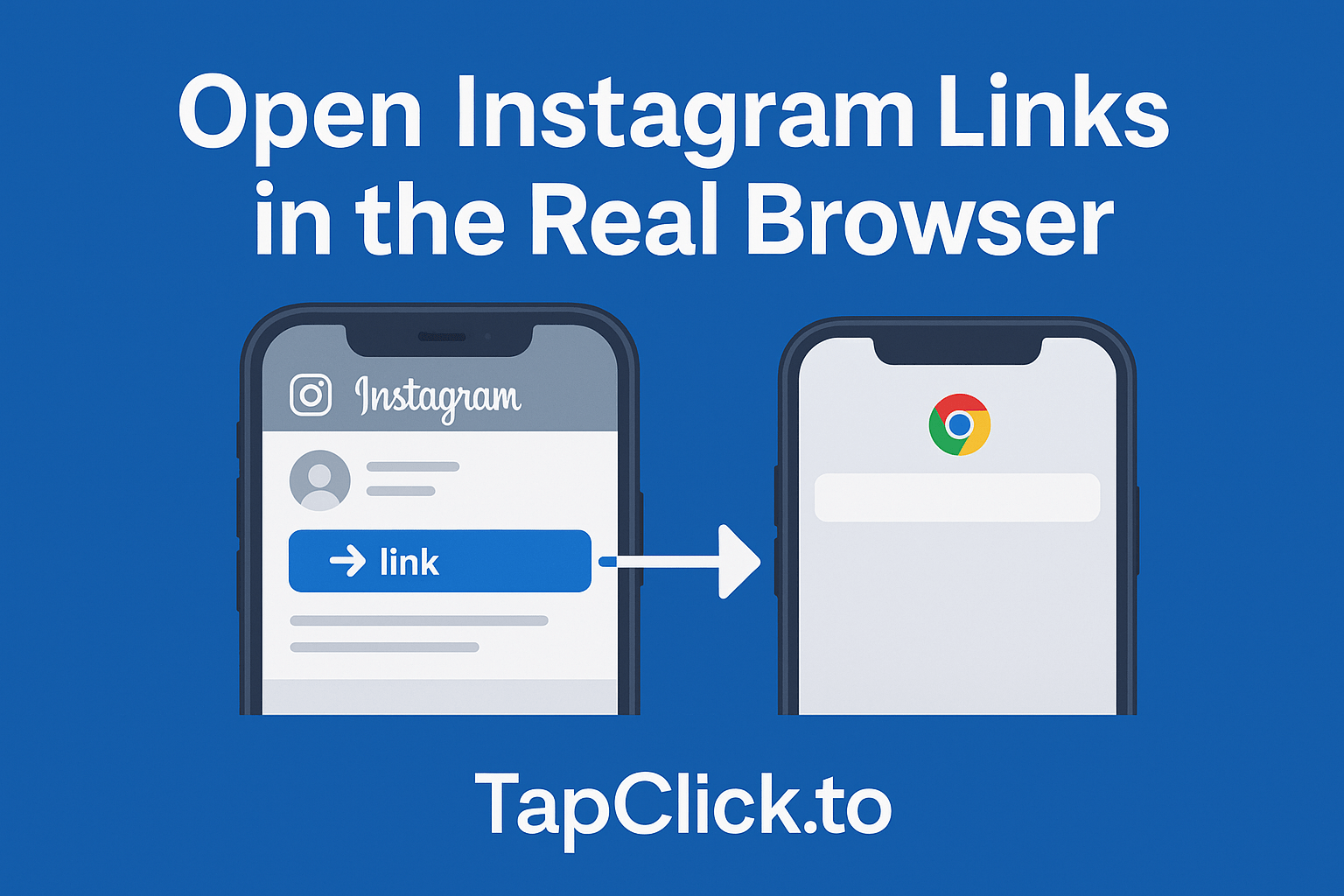
TL;DR: When someone taps your link on Instagram/TikTok/Facebook, it often opens inside the app’s built-in browser (a “webview”), not Safari/Chrome. That extra friction can break logins, make checkout feel sketchy, and kill conversions. TapClick helps by nudging your link to open in a real browser, where buying is smoother and sessions “stick” better.
What an in-app browser actually is
When someone taps your link inside a social app, they don’t always “leave” the app. A lot of the time, the app opens your page in an embedded browser (often called an in-app browser or webview). It looks like a browser, but it’s running inside the app.
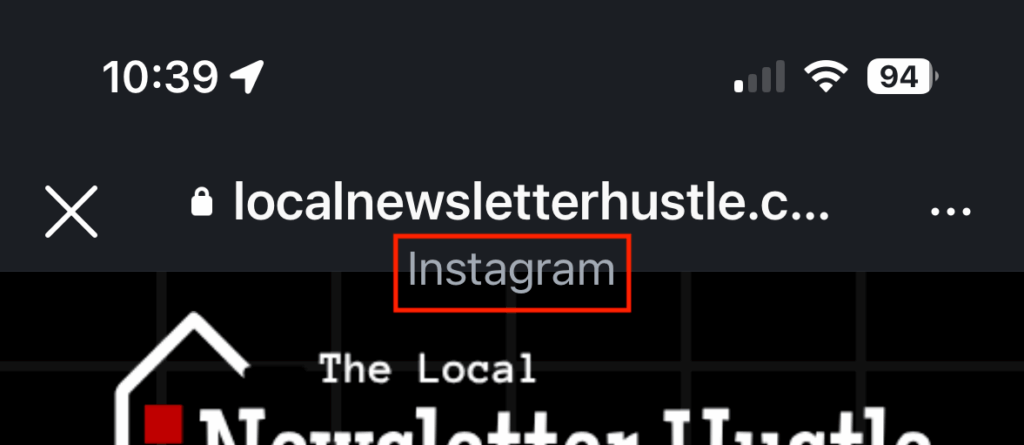
This isn’t a conspiracy theory. It’s a normal pattern in mobile apps: “in-app browsing” is widely supported, and social apps use it because it keeps users in the app experience.
On Apple’s iOS, a lot of in-app browsing is powered by Apple’s WebKit webview (WKWebView), which is literally designed to render web content inside an app.
Why it hurts sales – even if your content is great
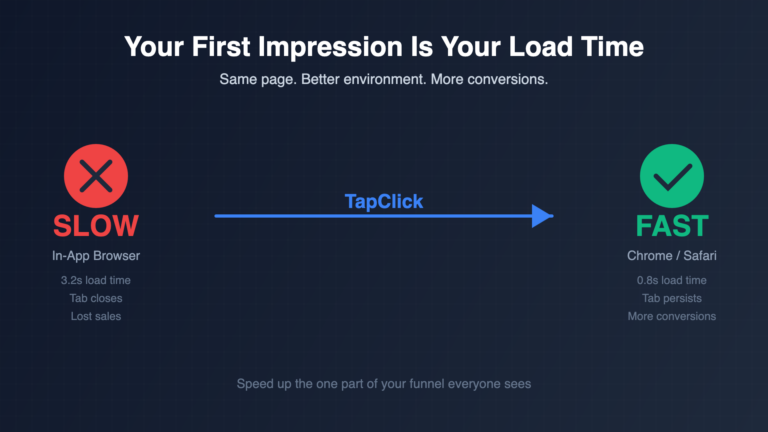
Here’s the frustrating part: your audience did click. You did get their attention. But the in-app browser can add just enough friction to make people bail before they buy, subscribe, or book.
1. Logins break (or don’t “stick”)
Ever heard “I swear I’m logged in on Safari, but not when I click your Instagram link”? That’s a real issue people run into. In-app browsers can behave differently with cookies and sessions, which can cause users to appear logged out.
And if your funnel involves logging in (shop accounts, memberships, course portals, client dashboards), one weird login moment is all it takes for someone to say, “eh, I’ll do it later” (they won’t).
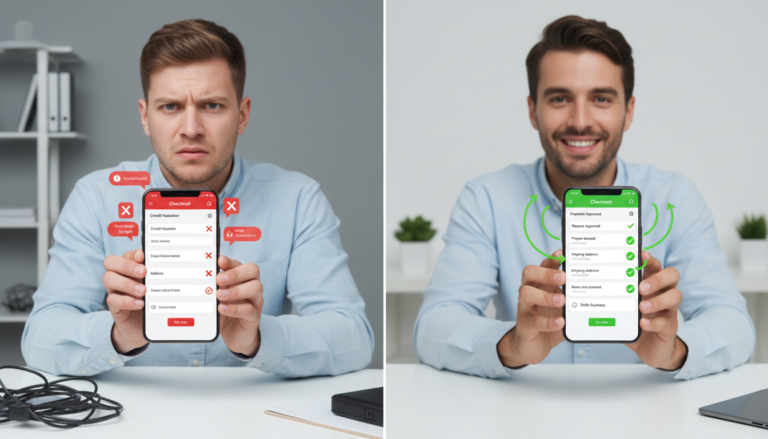
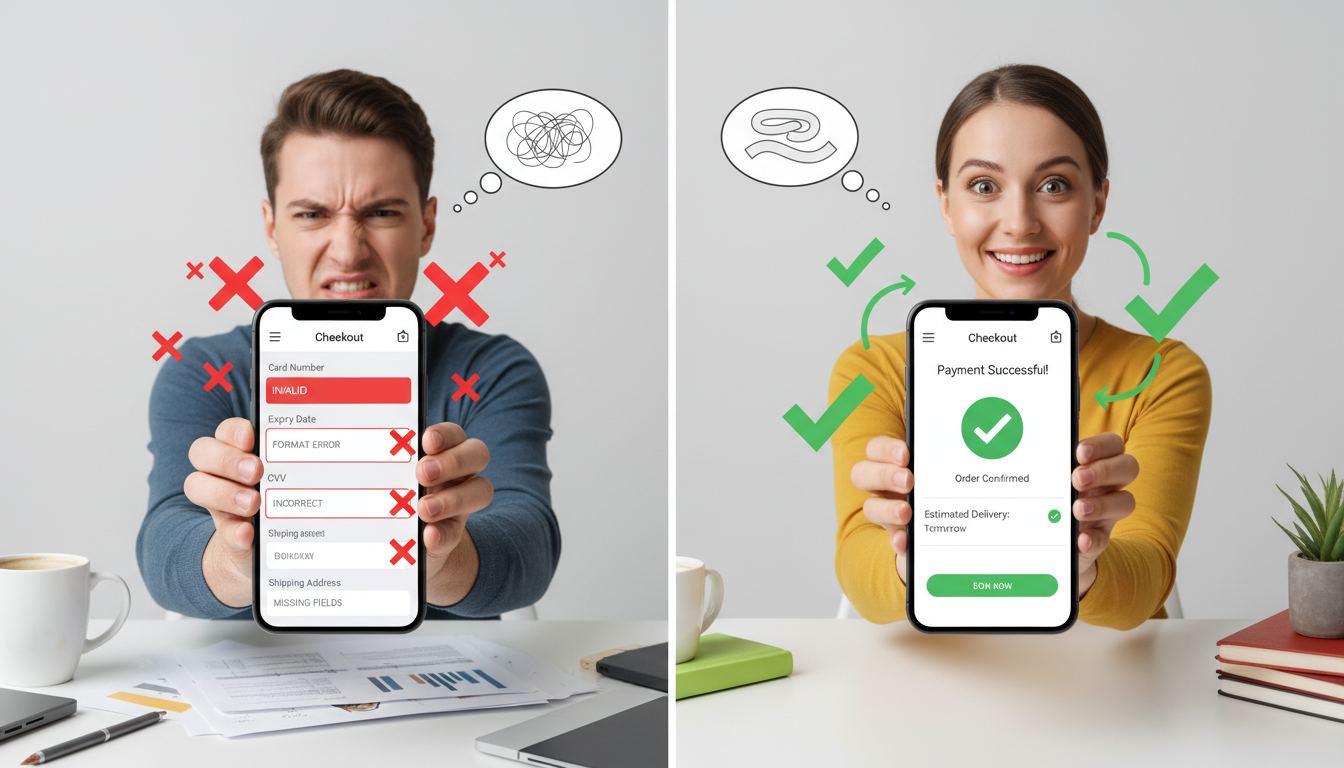
2. Checkout friction goes way up
Buying on mobile is already a delicate situation. Add an unfamiliar mini-browser UI, a “close” button one tap away, and sometimes weaker autofill behavior… and you’re making people work for it.
Even at the platform level, webviews have powerful capabilities, including the ability to inject scripts and handle events (which is part of why they’re used, and also why privacy protections exist around them).
Important nuance: that doesn’t mean every app is doing anything shady. It just means the in-app environment is not the same as the user’s trusted, full-feature browser.
3. People don’t trust the experience
This one is subtle, but it matters: users know what Safari/Chrome looks like. In-app browsers feel “off” to a lot of people. If the page loads weird, login feels odd, or something blocks their normal flow, they hesitate.
Hesitation is death for conversions.
4. Your tracking can get messier than it needs to be
If the user closes the in-app browser (even accidentally), the whole session can vanish. In a real browser tab, people are more likely to come back, finish the checkout, or complete a form.
So yes — you can end up in a situation where you’re “getting clicks” but not getting results.
A quick test to see if this is happening to you
Grab your phone and do this:
- Open Instagram (or TikTok, Facebook, etc.).
- Tap your bio link (or a Story link).
- Look at the top UI: do you see the social app’s own mini browser controls instead of Safari/Chrome?
If it’s opening inside the app, you’re in an in-app browser/webview.
And sure, some apps offer an “Open in browser” option — but that’s extra taps, extra confusion, and extra drop-off.
The fix: get people into a real browser
The goal is simple: when someone clicks your link from social, you want them landing in a real browser (Safari/Chrome) whenever possible — where their sessions, logins, tabs, and buying flow behave like they expect.
That’s what TapClick is for.
You paste your destination URL (your shop, product page, booking page, newsletter signup, link hub, etc.). TapClick gives you a new link designed to nudge the click out of the in-app browser and into the user’s default browser when possible — so the experience is smoother and conversion-friendly.
No tool can promise 100% behavior across every app + OS combo forever (platforms change things constantly). But moving users toward the “real browser” experience is the right direction if you care about sales.
How to set up TapClick
- Paste your destination link into TapClick.
- Generate your TapClick link.
- Replace your bio link (or your Story link / ad destination).
- Test it on iPhone and Android.
Pro tip: test your most important link first (your #1 product, your booking page, or your highest-earning affiliate offer). Don’t start by TapClick-ing a page nobody cares about.
Best practices to get the biggest lift:
- Send people to the most direct page possible. The fewer steps between click → purchase, the better.
- Keep your page fast. A “real browser” won’t save a slow page.
- Use UTMs consistently. If you’re going to fix conversions, you should be able to measure it.
- Don’t stack a million redirects. Clean paths convert better.
- Retest once a month. Social apps change behavior. Stay sharp.
FAQs About Using a Tool to Avoid In-App Browser Links
Does this work with Linktree-style link hubs?
Yes. You can use TapClick on your hub link so the entire hub experience benefits (instead of just one destination).
Will it always open in Safari or Chrome?
Not always. Different apps and operating systems behave differently, and platforms change. The point is to improve the odds that a click lands in a normal browser experience (and reduce the “trapped in a webview” problem).
Does this mess up my tracking?
It shouldn’t. If anything, the goal is more consistent sessions and fewer “lost” conversions due to people closing a webview mid-flow. (Still: keep UTMs and analytics clean so you can verify.)
Is this only for Instagram?
No. In-app browsing is common across many social apps, not just Instagram.
Fix your link once, then let your funnel work like it’s supposed to.
Create a TapClick Link
Note: Social platforms and mobile OS behavior can change over time. Always test your link flow on the devices your audience uses most.