
Introducing the New “Remove Referrer” Feature: Complete Privacy for Your Short Links
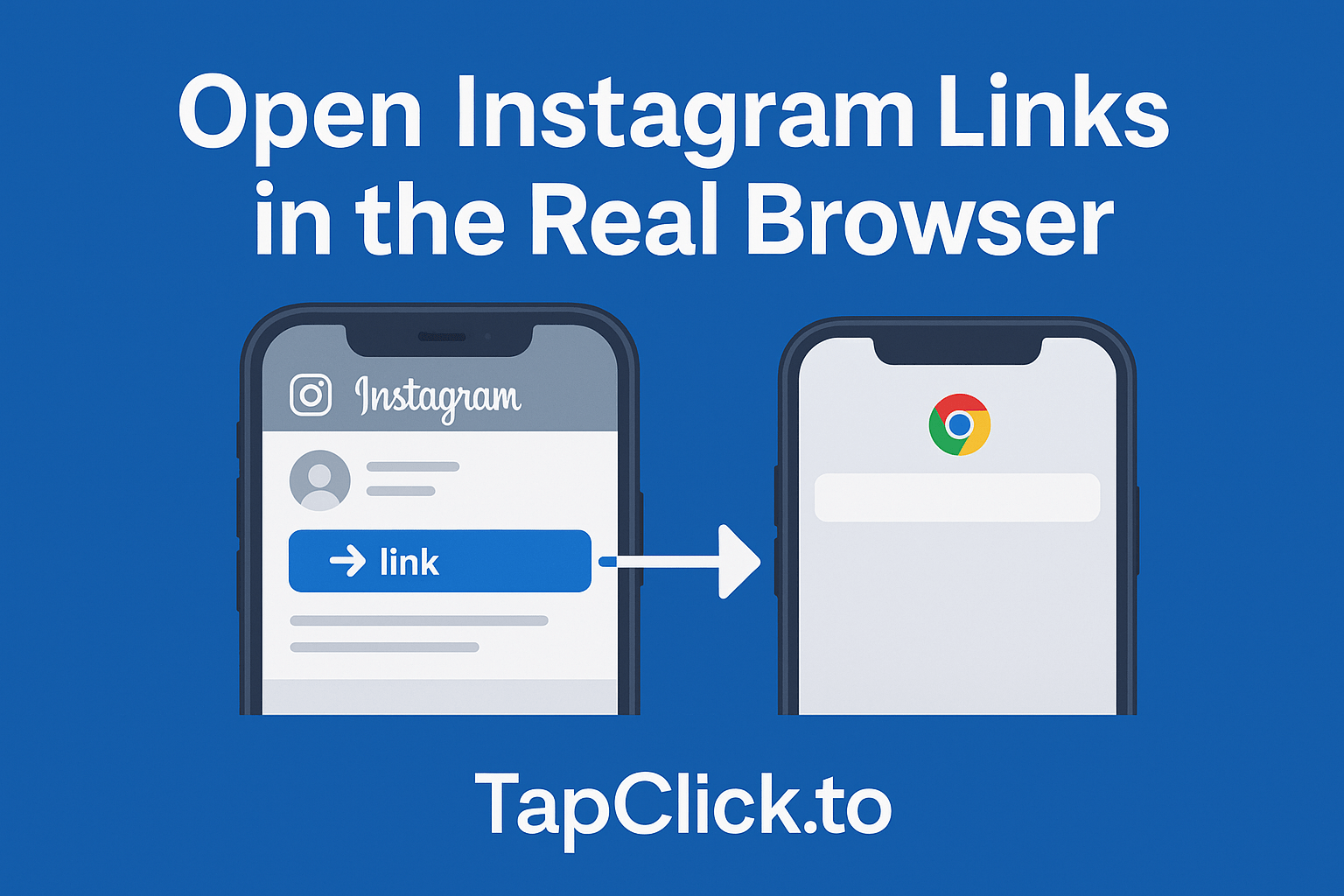
If you use TapClick.to to optimize your links, you already know it is the ultimate tool for link shortening, click tracking, and ensuring mobile Instagram links open seamlessly in native apps.
Today, we’re excited to announce a new feature that gives you even more control over your traffic: the “Remove Referrer” option.
→ Now, with a single click, you can strip away all identifying referral data from your links, routing your traffic with complete privacy.
What is a “Referrer” and Why Does It Matter?
Whenever someone clicks a link on the internet, their web browser automatically sends a piece of information called the HTTP Referer header to the destination website. This tells the target website exactly where the visitor came from.
For example, if a user clicks tapclick.to/@my-link to go to another website, that target website’s analytics (like Google Analytics) will show:
Referral Source: tapclick.to
While this is fine for most links, there are times when you want to route traffic privately without letting the destination site know that the traffic originated from your shortener or redirect hub.
How the “Remove Referrer” Option Works
We have added a simple “Remove Referrer” checkbox to both the link creation and link editing forms in your dashboard (unchecked by default).
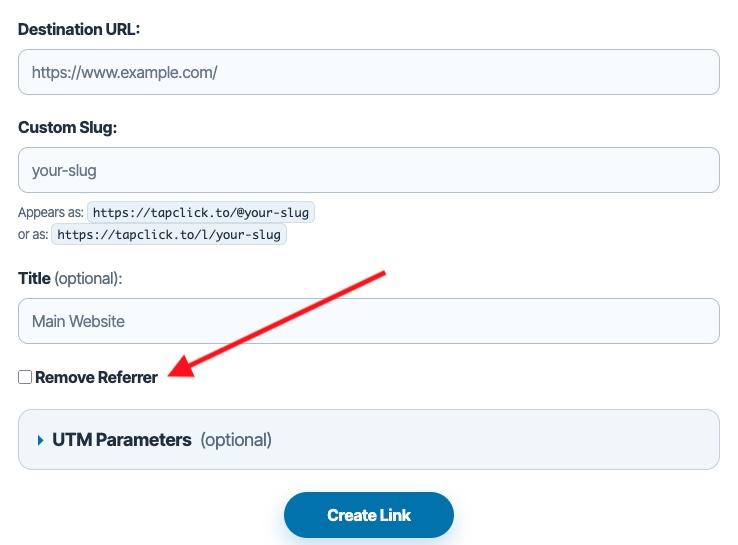
When you check this box, TapClick utilizes modern web security standards—specifically the Referrer-Policy: no-referrer HTTP header and <meta name="referrer" content="no-referrer"> tags on our interstitial/fallback redirection pages.
This instructs the browser to completely wipe any record of the referring site. When the visitor lands on the destination page, it appears as Direct Traffic—as if they typed the destination URL directly into their browser search bar.
The Key Benefits of Removing Referrer Data
Why would you want to enable this feature? Here are the most common use cases:
1. Enhanced Privacy & Security
If you are sharing sensitive links or routing traffic through private channels, stripping the referrer keeps your redirect structure completely hidden.
2. Protect Your Traffic Sources from Competitors
If you are running marketing campaigns, sending newsletter traffic, or building affiliate hubs, you may not want destination sites or competitor spy tools to easily trace back your specific redirect domain name.
3. Cleaner Destination Analytics
By showing up as “Direct” traffic rather than “Referral” traffic, you can keep analytics reports clean on target pages where you want the user journey to look organic.
How to Use It
Using the new feature takes less than two seconds:
- Log in to your TapClick dashboard.
- Enter your destination URL and custom slug as usual.
- Check the box labeled “Remove Referrer” before clicking Create Link (or click Edit on any of your existing links to toggle it on/off).
That’s it! The system handles the rest under the hood, ensuring your links remain fast, reliable, and entirely anonymous to downstream web servers.
Log in to your dashboard today to try out the new Remove Referrer feature!